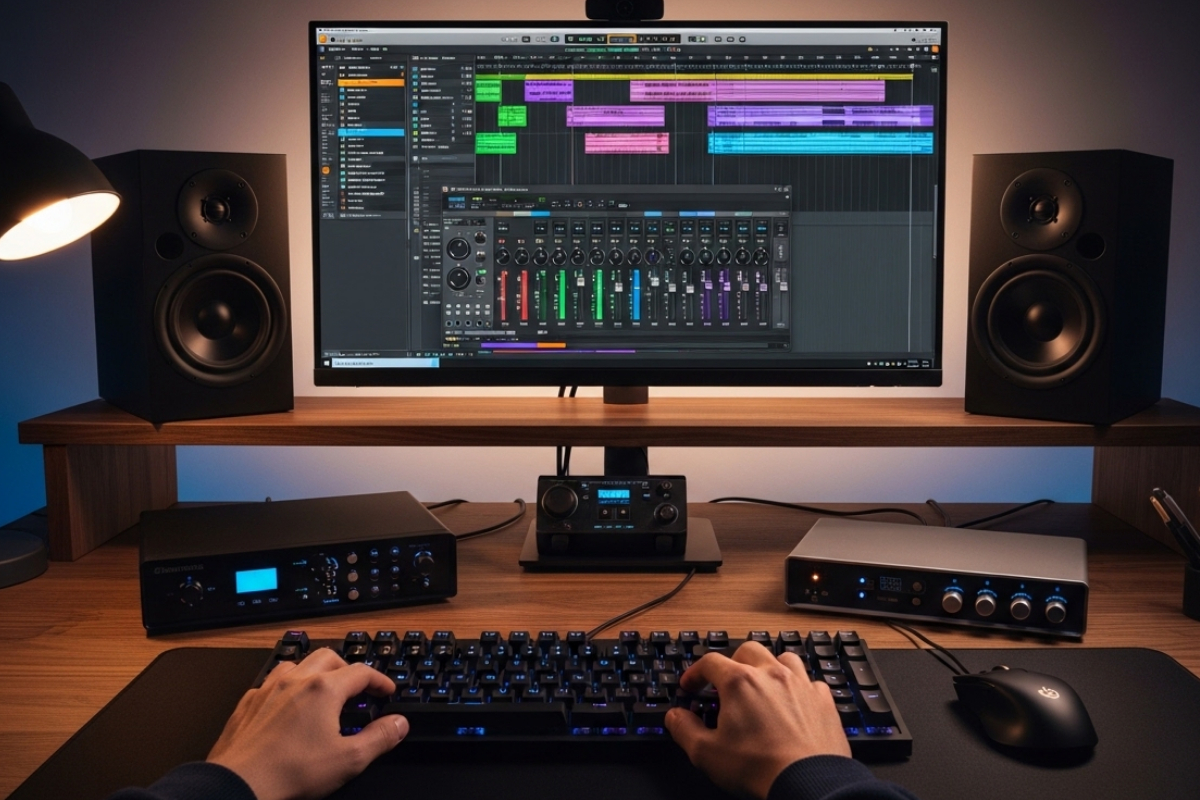
Recording on Linux feels fast. JACK is stable. Latency is tight. Your plugins load cleanly. Yet many sessions still stall for a simple reason: your hands cannot keep up with your ideas. Every time you hesitate over a shortcut, fumble a track rename, or mistype a MIDI value, the creative pulse slows down. In a digital audio workstation, the keyboard is not just for typing. It is a control surface.
Producers obsess over buffer sizes and CPU headroom. Few measure their typing fluency. Running a quick typing speed test gives you a clear benchmark. It reveals whether your muscle memory supports your workflow or drags behind it. Faster typing does not just help writers. It sharpens shortcut execution, speeds up track labeling, and tightens MIDI editing inside Linux-based DAWs.
Quick Session Summary
- Typing fluency directly impacts shortcut speed and editing precision
- Track labeling and session organization benefit from touch typing
- MIDI editing becomes smoother with faster numeric input
- Benchmarking WPM helps producers remove friction from sessions
The Keyboard as a Production Instrument
Inside Ardour, LMMS, Bitwig, or Reaper on Linux, shortcuts are everywhere. Split region. Quantize. Nudge. Loop. Toggle grid. Arm track. Each command lives behind a key combination. If you hesitate, even for a second, the flow breaks. Creative momentum depends on reflex. Not hunting for keys.
Many musicians already tweak their system for optimal performance. Kernel settings, real-time priorities, and audio configuration matter. That same mindset applies to physical input. Reviewing your low-latency recording setup often focuses on CPU and RAM. The human interface layer deserves equal attention.
Keyboard shortcuts reduce mouse travel. They lower wrist strain. They compress decision time. Yet they only work if your fingers respond instantly. Slow typing forces cognitive overhead. You think about the keys instead of the music.
1. Faster Shortcuts Mean Tighter Arrangements
Arrangement editing demands speed. You duplicate sections. Trim silence. Slide clips. Adjust fades. If your shortcut recall is strong and your fingers move without hesitation, you can shape structure in real time while listening critically.
Consider a vocal comp session. You are splitting takes on the fly. Press S to split. Arrow keys to move. Delete to clear noise. Each motion should feel automatic. Any delay creates mental lag. That lag compounds across hundreds of edits.
Producers who type faster generally execute key combinations more cleanly. They hit Ctrl plus Z without glancing down. They trigger marker placement instantly. Their attention stays on the waveform, not the keyboard.
Track Naming and Session Clarity
Large Linux sessions grow messy quickly. Drum bus. Parallel compression. Synth stacks. Foley layers. Without clear naming, navigation slows to a crawl. Typing speed matters here more than most expect.
Renaming ten tracks during a creative burst should take seconds. Not minutes. Touch typing allows you to label Kick In, Kick Out, Snare Top, and Snare Bottom with fluid motion. You stay inside the creative headspace.
This becomes critical in collaborative workflows. If you regularly work across different systems or share stems, structured naming reduces confusion. Clean track labels make exporting easier and reduce friction during revisions.
2. MIDI Editing Becomes More Precise
MIDI editing relies heavily on numeric entry. Velocity values. Note lengths. Quantization percentages. Transpose amounts. A faster typist inputs these values without pausing playback for long stretches.
Imagine programming hi-hat patterns. You tweak velocities from 90 to 72 to 64. You adjust note lengths to avoid overlap. Every numeric input counts. Hesitation breaks rhythmic intuition.
If you are deep into sequencing, especially after reviewing techniques in a MIDI sequencing guide, you will notice how often numbers shape feel. Faster typing supports experimentation. You try more variations. You iterate quickly.
Measuring Your Current Speed
Before improving, measure. Words per minute gives a baseline. Accuracy percentage matters just as much. High speed with low accuracy creates correction overhead. Clean input wins.
| Typing Metric | Impact on DAW Workflow | Ideal Target |
|---|---|---|
| Words per minute | Shortcut execution speed | 70 plus WPM |
| Accuracy rate | Fewer corrections | 95 percent or higher |
| Key familiarity | Reduced visual checking | Full touch typing |
Typing research has long connected motor memory with efficiency. The American Psychological Association has published extensive material on skill acquisition and muscle memory, showing how repetition builds automaticity. That principle applies directly to DAW shortcuts. Repetition builds speed. Speed preserves focus.
3. Reduced Mouse Dependency
Many Linux musicians start mouse-heavy. They drag regions. Click menus. Adjust settings with the pointer. This works. It is not optimal.
Shifting toward keyboard-driven editing cuts hand travel distance. It also reduces strain during long sessions. Faster typists adapt to this approach faster because their hands already trust the keys.
Here are practical workflow shifts that benefit from better typing fluency:
- Triggering transport controls without looking down
- Creating and navigating markers instantly
- Batch renaming tracks or regions
- Typing automation values directly
Each task saves seconds. Multiply that by a full album project. The time savings become substantial.
4. Cognitive Load Drops During Recording
Recording sessions require attention. Gain staging. Monitoring levels. Performance coaching. If your brain splits attention between music and key placement, mistakes happen.
Fluent typing lowers cognitive load. Your arm tracks quickly. Your name is accurate. You drop markers in real time. That fluidity keeps the artist relaxed. It keeps you calm.
Lower cognitive load also reduces error rates. Fewer mispressed keys mean fewer accidental deletions or unwanted edits. Confidence grows.
Building Speed as Part of Studio Discipline
Improving typing speed does not require hours per day. Five to ten focused minutes before a session builds momentum. Treat it like scales on a piano. Repetition sharpens reflex.
Focus on accuracy first. Speed follows. Practice without looking at the keyboard. Map your DAW shortcuts mentally. Associate physical positions with actions.
Many producers track plugin benchmarks and system performance. Add typing metrics to your improvement checklist. It is measurable. It is trainable.
Practical Gains in Real Projects
Picture a mixing session with sixty tracks. You are balancing levels, grouping buses, and automating effects. Faster shortcut execution allows quick toggling between views. You zoom in and out instantly. You mute and solo without hesitation.
Editing podcasts on Linux also has benefits. Rapid transcript corrections. Region trimming. Labeling segments. These tasks depend heavily on typing fluency.
Electronic producers using pattern-based sequencing gain even more. Rapid numeric entry shapes the groove. Tight timing adjustments feel immediate rather than mechanical.
Muscle Memory as Studio Infrastructure
Muscle memory functions like background infrastructure. It runs silently. It supports every creative decision. Once established, it requires little conscious effort.
Keyboard mastery does not replace artistic skill. It amplifies it. The faster your hands respond, the closer your output matches your intention.
In Linux audio environments where customization is common, you can remap shortcuts to suit your hands. Choose combinations that feel natural. Then practice them until they become reflexive.
Small Improvements, Large Returns
Typing ten words faster per minute may sound minor. In a three-hour session filled with renaming, labeling, numeric edits, and shortcut commands, the cumulative difference is huge.
Friction reduction compounds. Each micro delay removed keeps you inside the creative arc longer. Fewer interruptions mean stronger performances and tighter mixes.
Treat typing as part of your technical toolkit. Alongside audio interface selection and kernel optimization, it shapes workflow quality.
Where Speed Meets Sound
Music production on Linux rewards precision. Low-latency systems respond instantly. High-quality plugins deliver clarity. Your hands should match that responsiveness.
A faster keyboard translates into faster decisions. Faster decisions translate into confident sessions. The result is not just efficiency. It is a smoother creative ride from recording to mastering.
Sharpen your typing. Refine your shortcuts. Let your hands move as quickly as your ideas. Your DAW will feel lighter. Your sessions will feel tighter. And your workflow will finally keep pace with your sound.