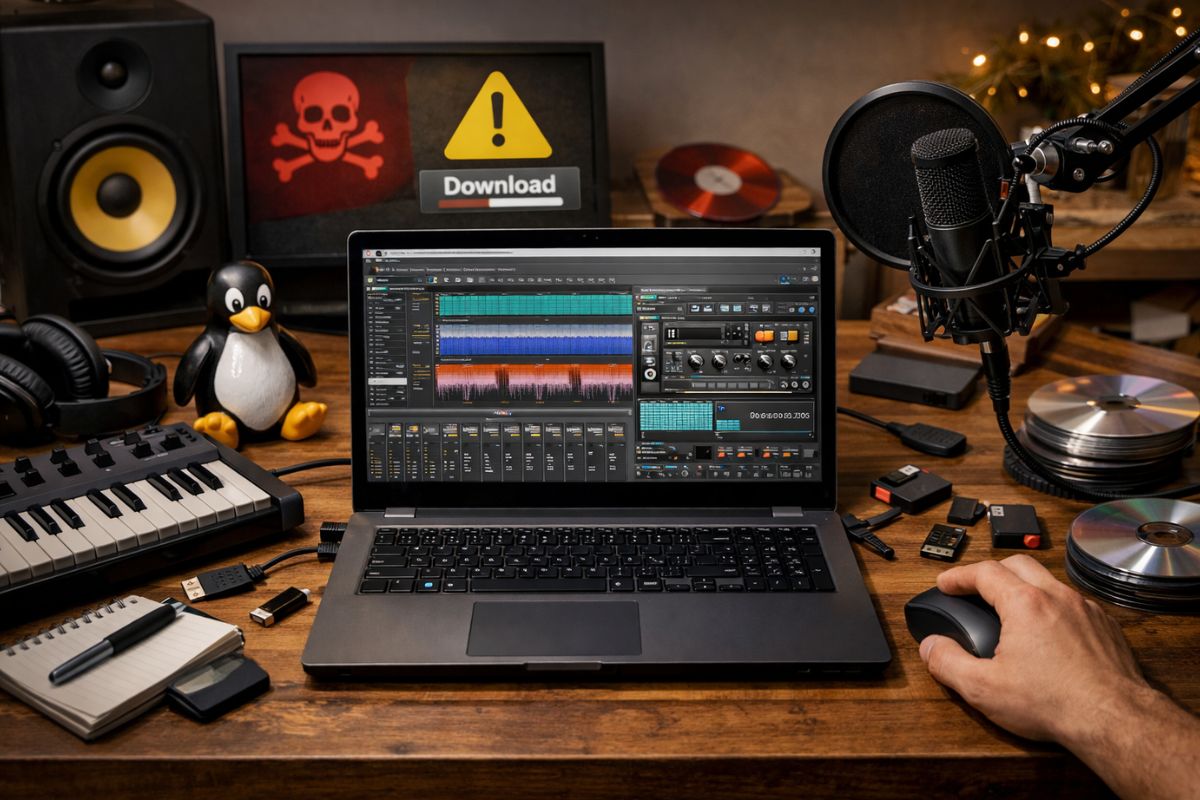
Linux music creators tend to be curious by nature. You tweak kernels, test new plugins, and fine tune workflows until everything feels right. That same curiosity can turn risky when hunting for download tools online. A rushed click can introduce malware, break permissions, or quietly undermine a stable audio setup. Once that happens, creativity stalls. This guide focuses on practical habits that help you stay productive while keeping your system clean, predictable, and safe.
Download tools matter more than many musicians realize. Samples, reference videos, tutorials, stems, and session footage all pass through these utilities. One careless install can disrupt JACK routing, corrupt libraries, or introduce background processes that ruin low latency performance. Avoiding sketchy tools is less about paranoia and more about respect for the time you put into your system.
Why Linux Musicians Face Unique Risks
Linux users often rely on smaller projects and niche utilities. That is part of the appeal. You get control and transparency. The downside is that not every download site plays fair. Some bundle installers with hidden scripts. Others push outdated binaries that break modern distributions. Musicians are especially vulnerable because they search for media tools outside standard repositories.
Audio workstations depend on stability. A single background service can introduce xruns or unpredictable CPU spikes. Tools that promise convenience often hide tradeoffs. That makes caution a creative advantage, not a limitation. Choosing wisely protects both your music and your machine.
What Sketchy Download Tools Usually Get Wrong
Bad tools share patterns. They rush you. They hide details. They distract with flashy buttons and vague promises. On Linux, these issues show up quickly. Permissions feel wrong. Files land in odd directories. Updates stop without warning. The worst part is that problems surface mid session when inspiration is already flowing.
A safer option is using a straightforward online video downloader that runs in the browser and avoids invasive installers. Tools like this reduce system exposure and keep your audio environment isolated from unnecessary risk.
Trusted Workflows Beat Random Downloads
Most Linux musicians already follow solid habits. You prefer package managers. You read documentation. You test changes before committing. Apply that same mindset to downloads. If a tool does not explain how it works, pause. If it demands system wide permissions, step back. Convenience should never override clarity.
For example, when working with external audio material, keeping your core setup clean matters as much as your plugins. Guides like Linux DAW comparison exist because stability choices add up. Download tools belong in that same decision space.
Video and Audio Downloads Without the Headaches
Music creators often need reference material. Live performances. Arrangement breakdowns. Visual cues for scoring. The goal is to access content without compromising your system. Browser based tools shine here. They isolate the process and avoid deep system hooks.
A clean YouTube downloader lets you grab material quickly without introducing background services. That keeps your workflow focused on creation rather than cleanup. Files arrive where you expect them. No surprises follow.
Red Flags You Should Never Ignore
Some warning signs are obvious. Others feel minor until they are not. Train yourself to notice patterns before installing anything. A few seconds of scrutiny can save hours of troubleshooting later.
- Installers that bundle unrelated software
- Vague licensing or missing source details
- Forced root access without explanation
- Closed issue trackers with unresolved reports
- Downloads that bypass checksums or signatures
How Bad Tools Affect Audio Performance
Audio systems are sensitive. Low latency setups depend on predictable scheduling. Sketchy tools often introduce background processes that fight for CPU time. Even small interruptions can cause pops or timing drift during recording.
Learning how to tune your system helps spot problems early. Dialing in buffer sizes, CPU governors, and scheduling priorities makes it obvious when something does not belong, especially during recording. Solid low latency recording tips reinforce why a clean environment matters. Every extra process adds noise to a system built for precision.
Understanding Permissions and Sandboxing
One advantage Linux offers is control. You can see what runs and where it lives. Good download tools respect that. They operate within user space. They do not modify audio configs or startup scripts.
Sandboxed approaches reduce risk even further. Flatpak and browser based tools limit access by design. That separation keeps your DAW, plugins, and drivers untouched. It also makes removal painless if you decide a tool no longer fits your workflow.
Comparing Tool Behaviors at a Glance
| Feature | Safe Tools | Risky Tools |
|---|---|---|
| Installation | No installer or minimal setup | Bundled installers |
| Permissions | User level access | Requests root access |
| Transparency | Clear documentation | Vague descriptions |
| System Impact | Isolated operation | Background services |
Numbered Habits That Keep You Safe
Good habits compound over time. Each small decision protects your setup and your focus. These steps are simple but effective.
1) Read the about page before downloading anything. Missing context is a warning sign.
2) Test new tools outside critical projects. Never install during a session crunch.
3) Monitor system resources after using a new utility. Unexpected activity means removal.
A Short Summary for Busy Creators
Quick Takeaway
Safe download tools respect your system, explain their behavior, and stay out of your audio chain. Browser based solutions and well documented projects reduce risk while keeping your workflow smooth and predictable.
Creative Focus Comes From System Trust
Confidence in your tools frees mental space. You stop worrying about crashes and start listening again. That trust builds slowly through good choices. Each safe download reinforces stability. Each avoided risk protects momentum.
Linux rewards patience and awareness. Music creation thrives under those same values. Treat download tools as part of your instrument chain. Choose clarity over shortcuts. Your sessions will thank you.
For deeper technical background on how software actually reaches Linux systems, an explanation of Linux package management helps clarify why trusted repositories, clear dependencies, and transparent updates make such a difference to system safety.
Stay curious. Stay cautious. Let your system stay quiet so your music can stay loud.